Invoicing software vs. bank-based invoicing: What’s actually better for startups?

Most startup founders don’t think much about invoicing in the early days. You’ll probably pick a tool, send invoices, collect payments, and move on to the next task. But as a business grows, financial operations often become more fragmented than founders expect. Tracking invoices, monitoring payments, reconciling transactions, and managing cash flow all start to demand more attention.
At this point, you might begin looking for ways to simplify how money moves through your company. That’s why more startup founders are exploring modern business bank accounts with built-in invoicing.
In this guide, we’ll break down the differences between invoicing software and bank-based invoicing. You’ll gain an understanding of the tradeoffs, so you can choose the option that best aligns with your business needs.
Invoicing software vs. bank-based invoicing: What’s the real difference?
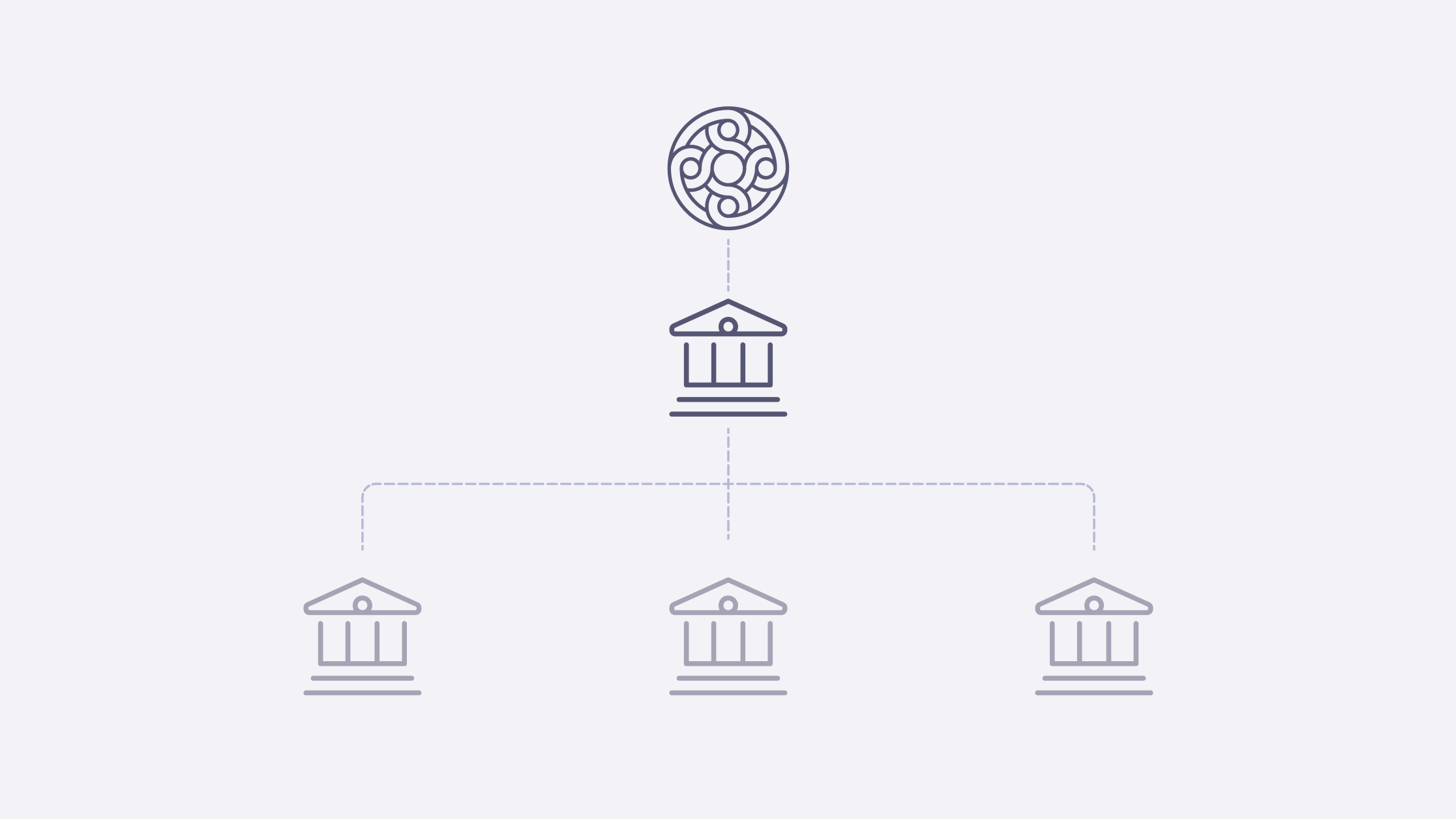
Standalone invoicing tools are built primarily to create and send invoices. Business banking platforms with invoicing combine invoice creation, payments, and banking in a single system. Operationally, the tools create profound differences in how payments flow, where your money lives, and how much manual work is required from you to keep everything in sync.
Here’s a quick breakdown.
Feature | Standalone invoicing software | Business bank account with invoicing |
|---|---|---|
Invoice creation | Included in the tool | Included in the tool |
Payment processing | Typically via integrations and a third-party processor (like Stripe or PayPal) | Built-in ACH, wire, check payments go directly into your account |
Cash visibility | Fragmented across tools | Centralized |
Reconciliation | Manual — You have to match payments from your bank to invoices in the software. | Automatic — Invoices and payments live in the same system. |
Accounting workflows | Dependent on integrations | Connected within the tool |
Number of tools | At least 2-3 (invoicing app + payment processor + bank) | One platform |
Operational complexity | Increases over time | Simpler for lean teams |
Scenarios where invoicing software works — and where it breaks
Invoicing software often works well for early businesses, as well as for freelancers, consultants, and small teams. Tools like FreshBooks, Wave, QuickBooks Online, and Zoho Invoice make it relatively easy to create branded invoices with custom templates, send payment reminders, track invoice status, and generate basic reporting.
But as your business grows, cracks may appear. Here’s what that can look like:
- Fragmentation: Your invoices live in one system, but payments settle elsewhere. Bank balances update separately and accounting syncs later. You find yourself moving between platforms to get a sense of what’s been paid and what’s still outstanding.
- Manual reconciliation: Manually matching transactions across platforms begins to eat up much more of your time than you can afford to spare.
- Delays: Depending on the platform and payment method you use, there can be a lag between when a client pays an invoice and when funds actually arrive in your account. That gap can make cash flow tricky to track.
These issues can create a surprising amount of operational overhead and manual admin work as a company tries to scale.
How bank-based invoicing can change your workflow
Using bank-based invoicing can transform your processes. Instead of treating invoicing as a separate operational layer, it connects invoicing to your business bank account. This means you’re no longer juggling different tools. You can manage invoices, payments, and reconciliation all in one place. Here’s what that could look like:
- Built-in invoicing and ACH/wire payments: You can log into your bank account and generate an invoice from within the platform. You can include instructions for the invoice payment methods you accept, so clients know how to make payments via ACH, wire, or check that go directly to your account.
- Real-time cash visibility: You can see funds enter your account as soon as they’re available, without having to wait for multiple tools to sync. If your bank offers automations, your invoice will automatically get marked as paid when the payment comes in, and your cash balance will update in real time. That means your records will stay accurate, without extra work.
- Fewer tools to manage: Without a mix of invoicing tools to manage, you’ll no longer need to log into different platforms to see whether a customer has paid, spend hours matching and reconciling payments, or pay for multiple software subscriptions.
For many scaling startups, using bank-based invoicing makes workflows more consolidated and simpler to manage, and, in turn, admin work can significantly decrease.
Key differences that matter for startups
Beyond the invoicing workflow itself, here are a few practical differences between standalone invoicing tools and bank-based invoicing that matter for startups.
Payment speed and collection
Bank-based invoicing usually makes it easier to collect ACH and wire payments. Most business banking platforms offer free ACH transfers and sometimes free wire transfers. Payments will go directly to your account with no intermediary, meaning you’ll pay lower fees and get faster access to your money.
Standalone invoicing software tools that integrate with payment processors, like Stripe and PayPal, usually have high credit card transaction fees. ACH fees may be lower but often require additional setup.
So, what’s the most efficient option? For growing startups with tighter margins and cash flow, bank-based invoicing is often simpler and cheaper.
Reconciliation and accounting simplicity
When using standalone invoicing tools, manual reconciliation takes up a lot of time. This can be avoided with bank-based invoicing, since payments and invoices stay within the same system and can be reconciled automatically with built-in tools. For founders already pressed for time, this simplicity can be a huge advantage.
Cost and operational overhead
Standalone invoicing often involves costs that can add up, like monthly subscriptions, integration tools, and payment processing fees. But bank-based invoicing typically offers invoicing at no extra cost. Plus, payment processing fees are lower or nonexistent for ACH and wire transfers. For cash-strapped startups, all of this can lead to meaningful savings.
Which invoicing option is better for your business?
The right invoicing setup for you will depend on your business model, business stage, and how your company operates.
When to choose standalone invoicing software
Standalone invoicing may work best for you if:
- You’re a solo operator or freelancer.
- Your invoicing volume is relatively low.
- Your payment workflows are relatively straightforward.
- You don’t need deep operational visibility yet.
This option can also be useful when you are starting out and testing early workflows.
When to choose a digital bank with automated invoicing
Bank-based invoicing may work better for you if:
- You’re managing multiple clients and need real time visibility into cash flow.
- You’re scaling your business.
- Your business’s payment volume is increasing.
- You want fewer financial tools and simpler workflows as you grow.
How to integrate invoicing with your business bank platform
Most modern invoicing software, like Wave and QuickBooks, offer integrations with compatible business bank accounts, so your bank and credit card transactions can sync to the tool.
Setting up an integration between your invoicing software and your business bank account usually looks something like this:
- Log in to your invoicing software.
- Select “Add account” or “Connect bank” in the banking section.
- Authenticate the connection through your online banking.
- Select which bank account to connect.
- Finalize authorization.
Ways to reduce manual work across tools
Even if you set up integrations, you’ll still have to put in some work to reduce the manual labor that’s necessary when you’re using numerous tools. For instance, you’ll need to:
- Set up automatic payment reminders. That way you won’t need to manually follow up on overdue invoices. On some platforms, this is part of the paid plan.
- Automate categorization and tagging. Make sure payments flow cleanly into your accounting system. This will require integration with your accounting software.
- Use standardized invoice templates and payment instructions. This will help you avoid errors.
Native integrations and syncing payments
If you use business banking platforms, you’ll probably find the process is simpler. Payment syncing can happen automatically, thanks to built-in integrations that match incoming deposits to outstanding invoices.
Platforms like Mercury have invoicing built directly into the banking platform. That means you don’t have to set up any integrations. You can create invoices, receive payments, and reconcile everything in one place. When a client pays, the invoice updates automatically and your account balance reflects it immediately. This simplifies the process and reduces complexity.
What to look for in the best online banks with invoicing capabilities
If you’re evaluating business banking platforms with built-in invoicing and ACH payments, here are a few things to consider:
- Automation: Check whether the platform allows you to set up recurring invoices and automate payment reminders. Another important factor to review is whether the platform automatically reconciles payments or if manual input is required.
- Payment flexibility and cost: Since you’ll want to let your customers choose the payment methods that they prefer, look for platforms that support ACH, wire, and check payments and charge little or no fee for these options.
- Reporting and visibility: Select a platform with real-time dashboards that show cash flow at a glance. The best tools will show you which invoices are outstanding, which are overdue, and what your total receivables are.
Mercury checks all of these boxes. With free ACH and USD wire transfers, easy invoicing, native integrations, payment syncing, and real-time cash visibility, you’ll get simplified workflows, all in one place.
Choose a simpler financial system
The best invoicing workflow for startups usually isn’t the one with the most intricate features. It’s the one that reduces operational friction and saves you time and energy for more critical tasks.
Some small businesses might find standalone invoicing to be enough in the early stages. But for many modern startups with increasing payment volume and operational complexity, choosing business banking platforms with built-in invoicing and ACH payment options can help to create a much simpler financial workflow. With fewer tools, faster payments, and automatic reconciliation, you’ll spend less time managing admin work — and more time building your business.
Explore Mercury’s tools to see how simplified financial workflows can transform your business.
Related reads
How to reconcile a business bank account step-by-step

How to reconcile business credit card transactions

The 5 best corporate cards for employee spending in 2026