
Use the Mercury CLI to run your finances from your terminal
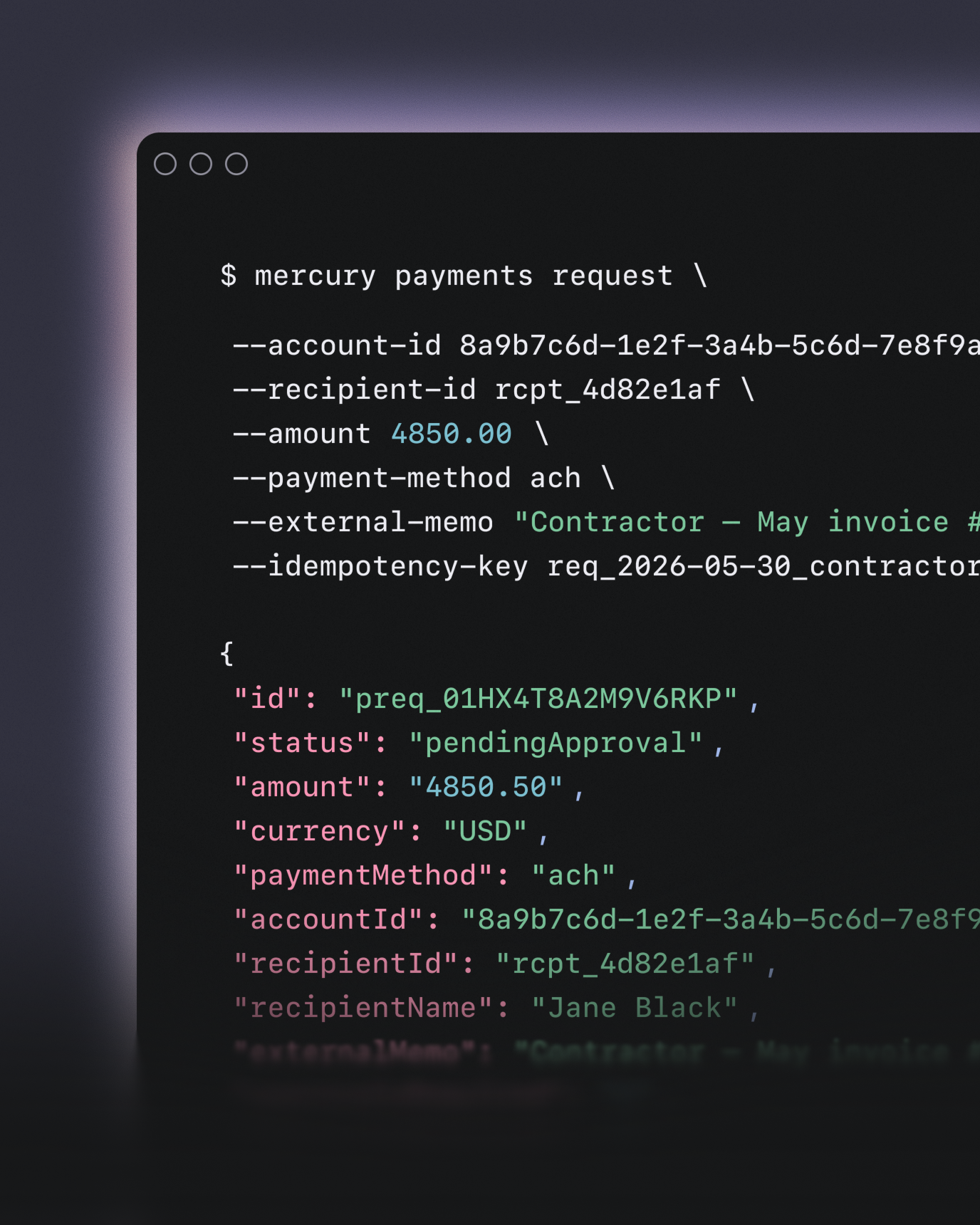
Install CLIRun Mercury operations from your terminal, a script, or a CI pipeline
Human-readable output, structured for piping, scripting, and LLM consumption
Write actions such as making payments, categorizing transactions, creating invoices, and uploading receipts
Connect your AI agent to verified financial data
Connect Mercury MCPGive your agents the same financial context you have — no code required
Query balances, transaction history, and account data in natural language
Read-only access ensures your AI can analyze data without moving money

Built for your workflows, wherever you work
The API for programmatic banking
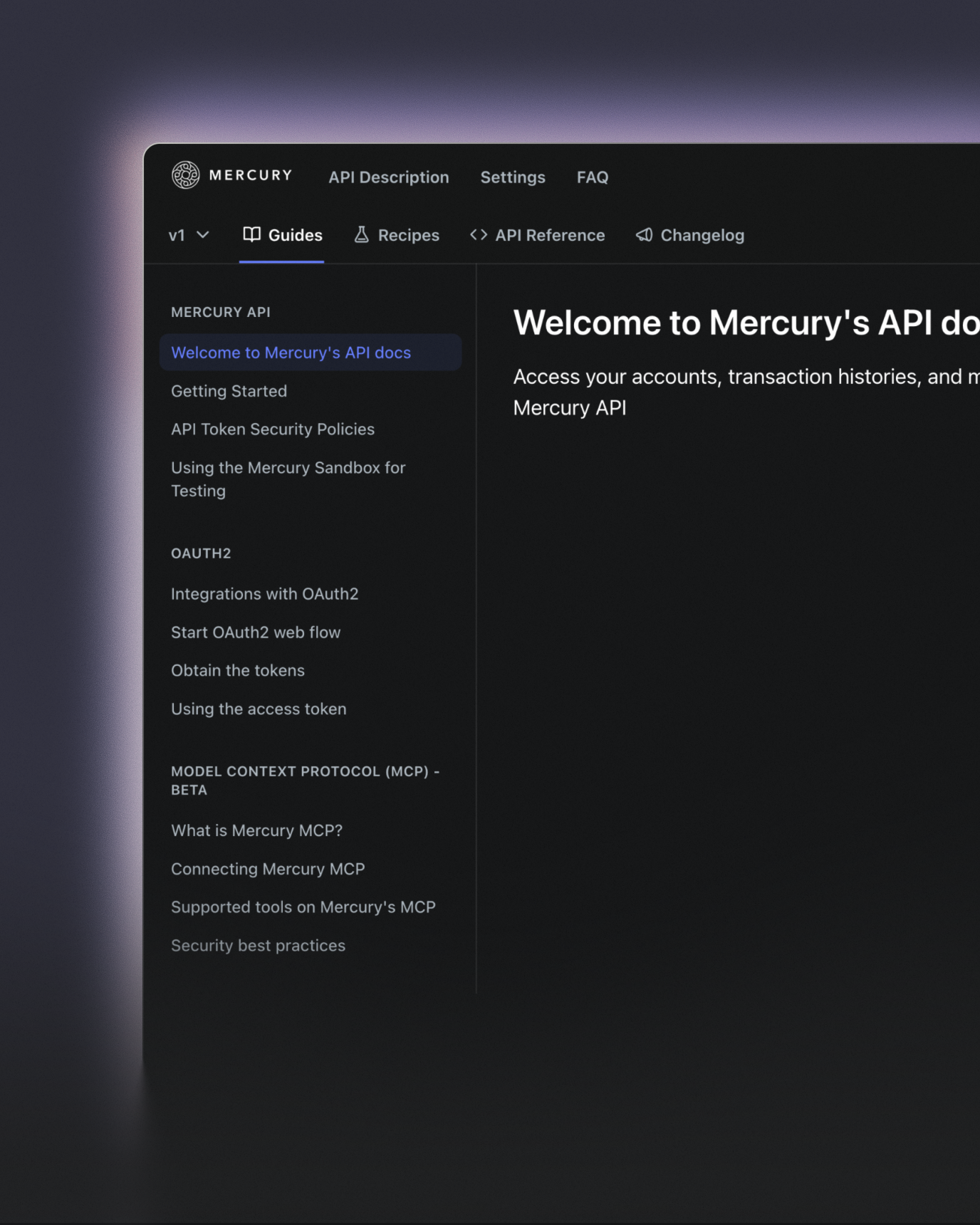
View API docsPull balances, list transactions, and initiate ACH transfers — all through a single REST API
Test safely in the sandbox, then swap one URL for production
Program your accounts receivables workflows
View AR docsGenerate and send invoices based on CRM, billing, or usage data
Monitor invoice status to make sure you're always paid on time
Read your invoicing data and track your revenue
Create up to 500 invoices/month on Mercury Plus, or unlimited invoices with Pro2
Maintain security and control at every layer
Issue scoped API tokens with fine-grained permissions
Enforce IP allow-listing and separation between read and write actions
Built on SOC 2 Type II compliant infrastructure
Banking services provided through FDIC-insured partner banks, with encryption in transit and at rest

What you can automate with Mercury
Nightly reconciliation to QuickBooks
Programmatic vendor payouts
Set Slack alerts
Sweep excess cash to Mercury Treasury
Create an agentic CFO
Put invoicing on autopilot